Avoid Reflections and Glare – Create a More Comfortable and Ergonomic Workspace

Avoid Reflections and Glare – Create a More Comfortable and Ergonomic Workspace
A healthy workspace isn’t just about a supportive chair or an adjustable desk. The lighting around you plays a crucial role in your comfort, focus, and overall well-being. Glare on your screen, harsh sunlight, or poorly placed lamps can quickly lead to eye strain, headaches, and reduced productivity. Fortunately, with a few simple adjustments, you can create a more comfortable and ergonomic workspace—whether you’re in an office or working from home.
Why Lighting Matters So Much
Your eyes are constantly working when you’re in front of a screen. If they also have to compensate for glare or sharp contrasts, they tire quickly. This can lead to eye irritation, neck and shoulder tension, and difficulty concentrating.
Good lighting is all about balance: enough light to see clearly, but not so much that it causes glare. Achieving that balance means considering both natural and artificial light—and how they interact in your space.
Position Your Desk Correctly
The easiest way to avoid reflections is to position your desk properly in relation to windows and light sources.
- Avoid sitting directly in front of or behind a window. Light coming from behind you will reflect on your screen, while light from the front can cause glare in your eyes.
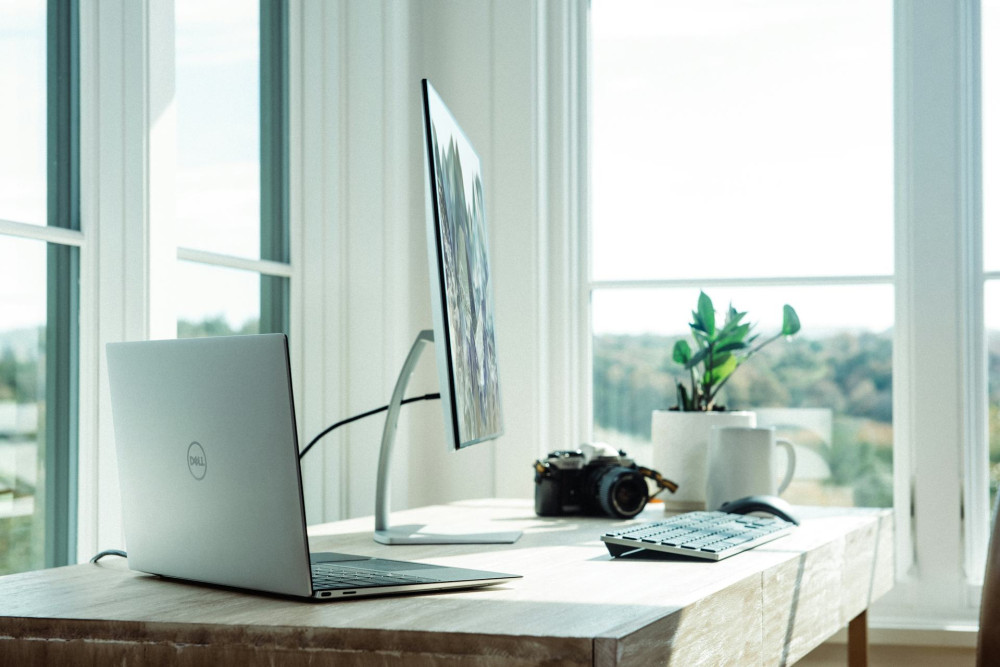
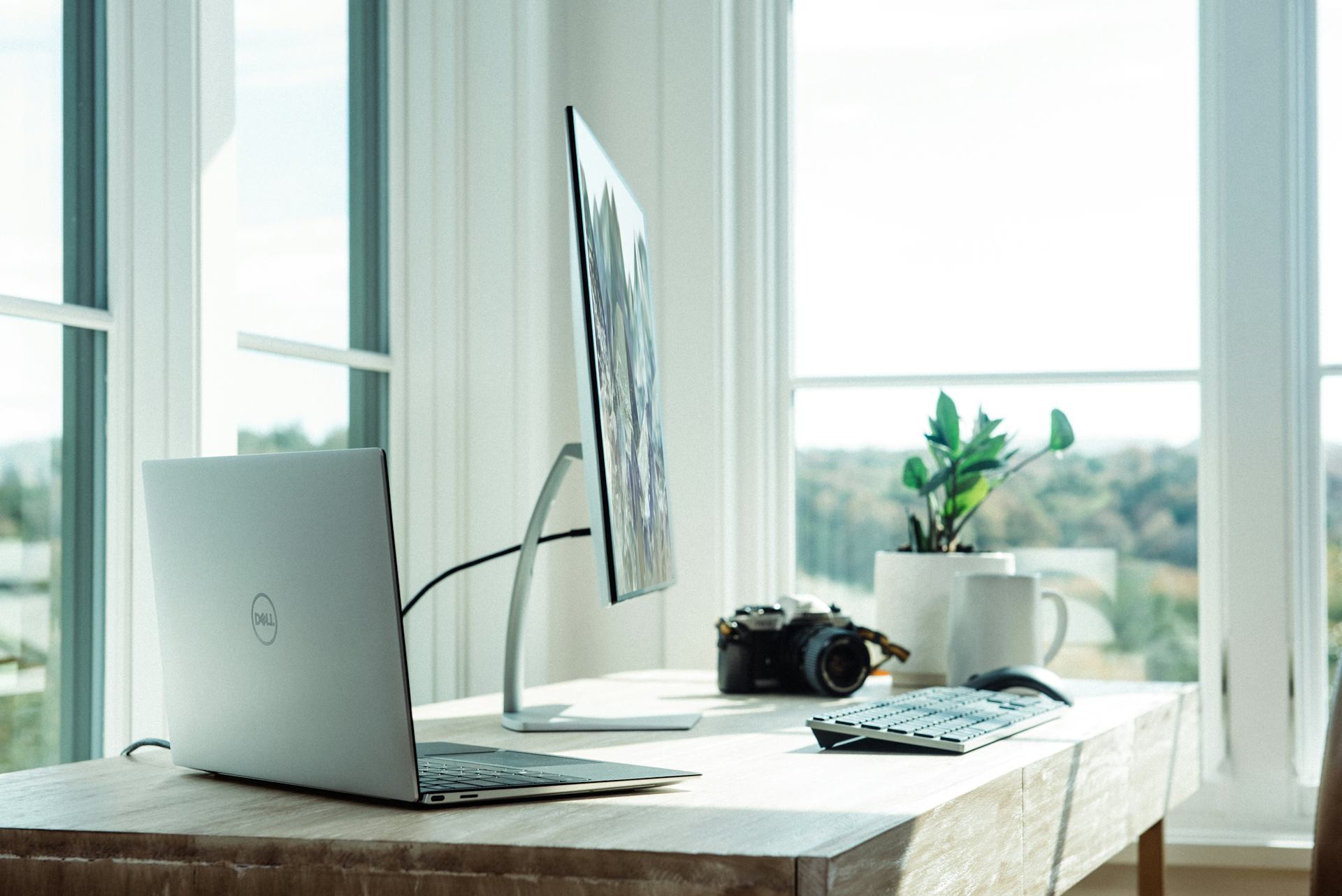
- Place your desk perpendicular to the window. This provides even daylight without direct reflections.
- Use blinds or shades. Adjustable blinds or roller shades let you control the amount of sunlight throughout the day and prevent harsh light during certain hours.
If you work from home, experiment with different desk placements until you find the one where your screen remains calm and glare-free.
Choose the Right Lighting
Artificial lighting is essential—especially during darker months—but it should be chosen carefully.
- Use indirect lighting for general illumination. Lamps that direct light toward the ceiling or walls create a soft, even glow without harsh shadows.
- Add a flexible desk lamp. It should be adjustable so you can direct light where you need it without shining directly into your eyes or onto your screen.
- Select the right color temperature. A neutral white light (around 4000 Kelvin) is ideal for office work because it resembles daylight and helps maintain focus.
- Avoid flickering lights. Poor-quality LEDs can cause discomfort, even if the flicker isn’t immediately visible.
Optimize Your Screen Setup
Even the best lighting won’t help if your screen is poorly positioned.
- Adjust brightness. Your screen should be roughly as bright as your surroundings—not significantly lighter or darker.
- Keep the screen clean. Dust and fingerprints amplify reflections.
- Use a matte screen or anti-glare filter. These reduce reflections from windows and lamps.
- Check the angle. The screen should be positioned so you look slightly downward, and the surface doesn’t catch overhead light.
Small adjustments to your screen’s position can make a big difference in how relaxed your eyes feel after a long day.
Consider Colors and Surfaces
Reflections don’t just come from your screen—walls, desks, and other surfaces can also bounce light back.
- Choose matte finishes. A glossy or glass desktop can create distracting glare.
- Opt for light but not pure white walls. Off-white, light gray, or beige tones reflect light softly without being harsh.
- Avoid large shiny objects near your workspace. They can create bright spots and visual distractions.
Læs også:



Create Light Variation
Uniform lighting can feel flat and tiring. By introducing variation, you add depth and comfort to your workspace.
- Combine task lighting at your desk with ambient lighting in the rest of the room.
- Use warmer light in corners or on shelves to create a cozy atmosphere.
- Consider dimmable lamps so you can adjust brightness depending on the time of day and the type of work you’re doing.
A Better Environment for Your Body Too
Reducing reflections and glare doesn’t just improve visual comfort—it also benefits your posture. When you can see clearly, you’re less likely to lean forward or tense your shoulders. Good lighting is therefore closely linked to ergonomics and overall well-being.
Take the time to fine-tune your lighting and workspace setup. The payoff is worth it: more energy, fewer aches, and a workday that feels lighter and more productive.
Læs også: