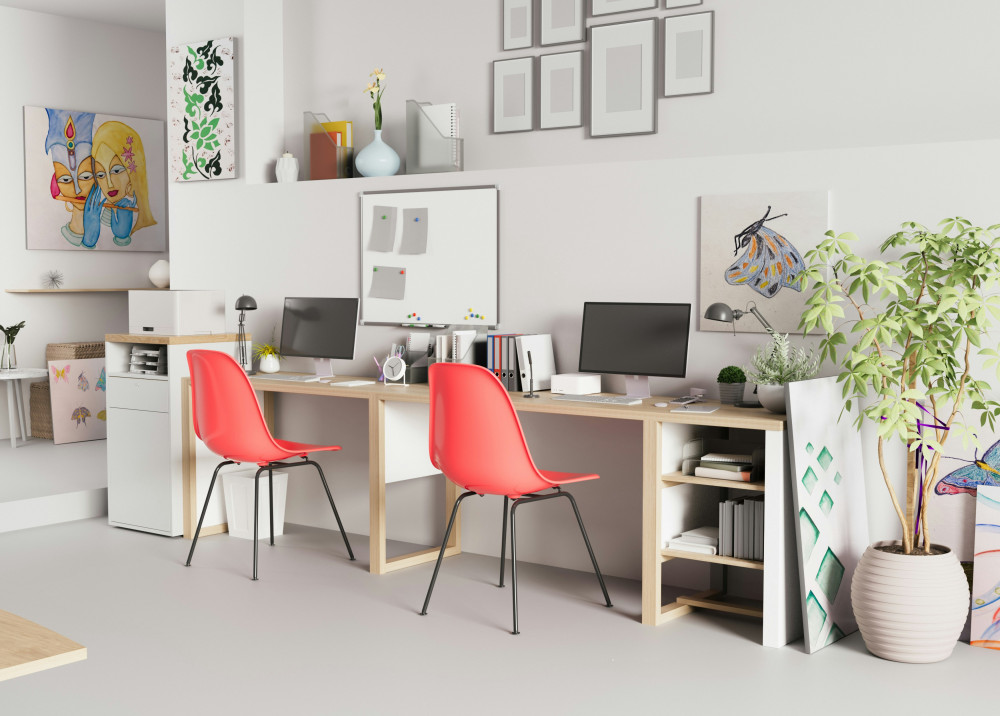
Eye-Friendly Lighting for Long Hours of Work

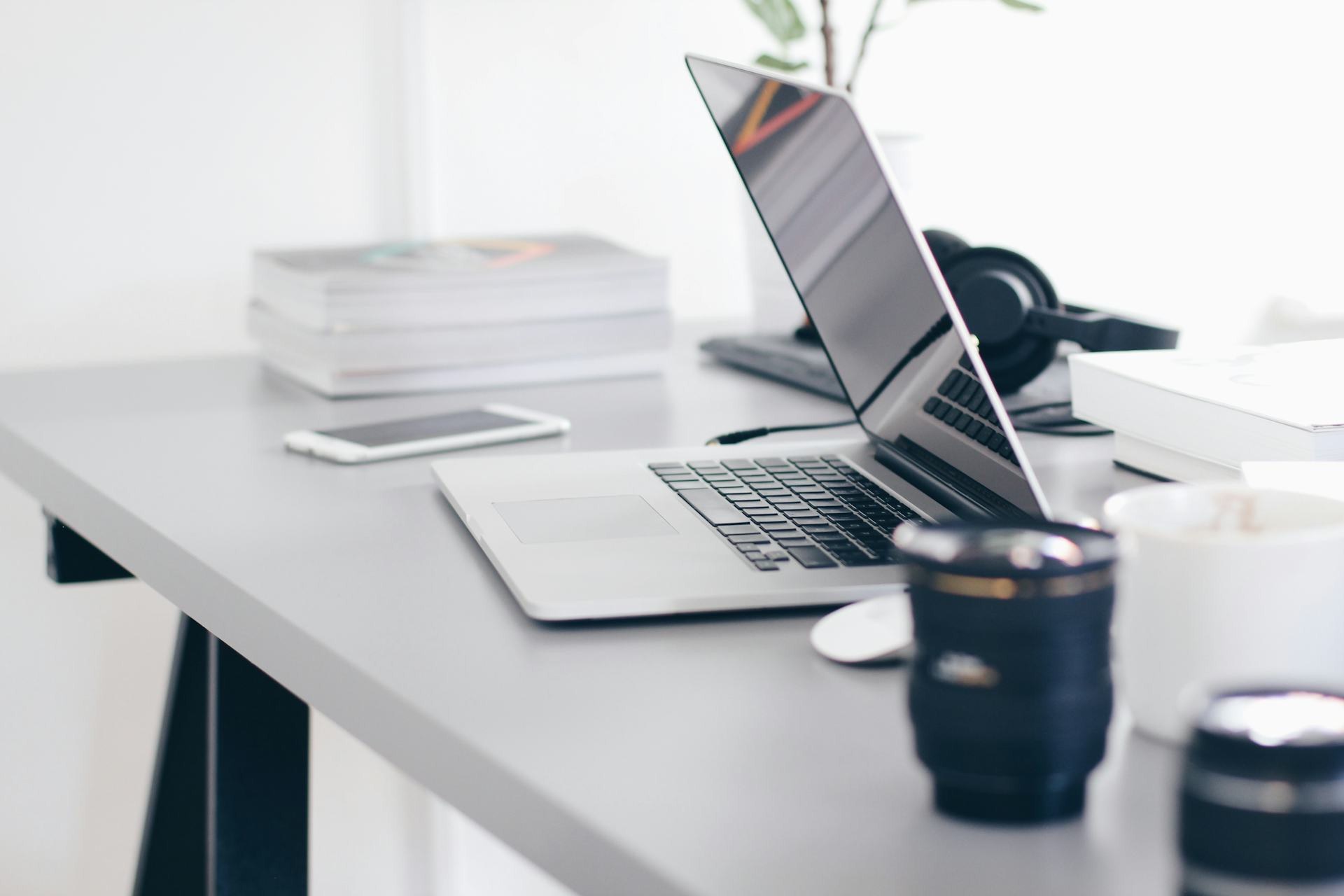
Eye-Friendly Lighting for Long Hours of Work
Many of us spend long hours in front of a computer—whether at the office, in a home workspace, or while studying. The lighting around us plays a major role in how comfortable and productive we feel. Poor lighting can lead to eye strain, headaches, and fatigue, while the right lighting setup can make work more pleasant and efficient. Here’s a guide to creating eye-friendly lighting for long hours of work.
Why Lighting Matters
Your eyes are constantly adjusting when you read, write, or look at a screen. If the light is too harsh, flickering, or poorly positioned, your eyes have to work harder to focus. This can cause dryness, irritation, and tiredness—often referred to as “visual fatigue.”
Good lighting isn’t just about brightness. It’s also about color temperature, direction, and contrast. The right balance helps your eyes work naturally and reduces the need to strain the muscles around them.
Combine Different Types of Light
A comfortable workspace usually includes a mix of lighting sources:
- Ambient lighting – provides general illumination throughout the room. Ceiling fixtures or recessed lights that spread light evenly are ideal.
- Task lighting – focused light for your desk or work area. A lamp with an adjustable arm and dimming function lets you direct light where you need it most.
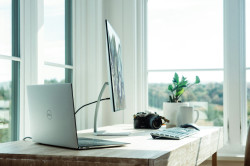
- Natural light – daylight is easiest on the eyes, but it should be balanced with artificial light to avoid sharp contrasts when the sun moves or sets.
By combining these three types of light, you can avoid harsh shadows and large differences in brightness that cause eye strain.
Color Temperature and Brightness
Light color is measured in kelvins (K). For work, a neutral to cool white light—around 4000–5000 K—is recommended. It mimics daylight and helps you stay alert. Warm light (below 3000 K) feels cozy but can make it harder to concentrate for long periods.
Brightness is measured in lux. For office work, aim for about 500 lux on your work surface. Adjustable lamps make it easy to fine-tune brightness depending on the time of day and the task at hand.
Avoid Glare and Reflections
Glare is one of the biggest causes of eye discomfort. It can come from direct light sources, shiny surfaces, or your computer screen. To minimize glare:
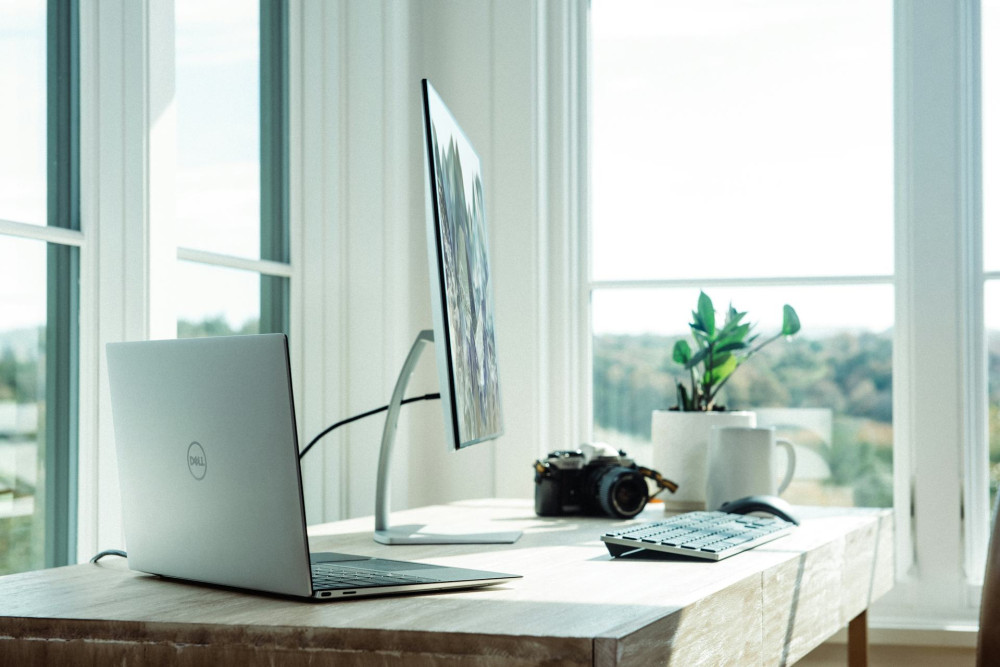
- Position your screen perpendicular to windows to reduce reflections.
- Use lamps with diffusers or matte shades that spread light evenly.
- Choose a monitor with a matte finish and adjust its brightness to match the room.
A quick test: if you can see the lamp reflected in your screen, it’s time to reposition either the lamp or the monitor.
Give Your Eyes Regular Breaks
Even with perfect lighting, your eyes need rest. Follow the 20-20-20 rule: every 20 minutes, look at something 20 feet away for at least 20 seconds. This helps your eyes relax and refocus.
Remember to blink often—people tend to blink less when concentrating on screens, which can lead to dryness. Keeping a glass of water nearby and using a humidifier can also help in dry indoor environments.
Læs også:

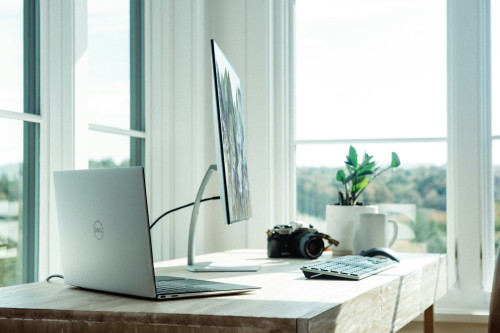
Smart Lighting for Modern Workspaces
New lighting technology makes it easier to maintain healthy light levels throughout the day. Many LED lamps can automatically adjust brightness and color temperature to match your body’s natural rhythm—cooler light during the day for focus, and warmer light in the evening for relaxation.
Look for LEDs with a high color rendering index (CRI above 90). They make colors appear more natural and reduce eye strain, especially for design or visual work.
Create a Comfortable Atmosphere
Lighting affects not only your eyes but also your mood. A well-lit space feels more inviting and helps you stay focused. Combine your task lighting with softer background light—like a floor or wall lamp—to create a balanced, comfortable environment.
When setting up your workspace, think about how light influences both your vision and your well-being. Investing in good lighting is an investment in your productivity, comfort, and long-term eye health.
Læs også: