User-Friendliness in Focus: How to Evaluate and Compare Washing Machine Control Panels and Displays

User-Friendliness in Focus: How to Evaluate and Compare Washing Machine Control Panels and Displays
When you’re shopping for a new washing machine, it’s easy to focus on capacity, energy efficiency, and price. But the control panel and display are just as important. They determine how easy the machine is to use day to day—and how much time and frustration you’ll save. A user-friendly interface helps you get the most out of your washer’s features without needing to reach for the manual every time. Here’s how to evaluate and compare washing machine control panels and displays before you buy.
Why User-Friendliness Matters
Most households run several loads of laundry each week, so the washer’s controls should be simple and intuitive. A confusing layout or unclear display can lead to selecting the wrong cycle, wasting energy, or ending up with clothes that aren’t cleaned the way you want.
Good usability means you can quickly understand how to operate the machine, even if you’ve never used that model before. It’s especially important in homes where multiple people—kids, adults, or older family members—share the laundry duties.
The Control Panel – The Machine’s Command Center
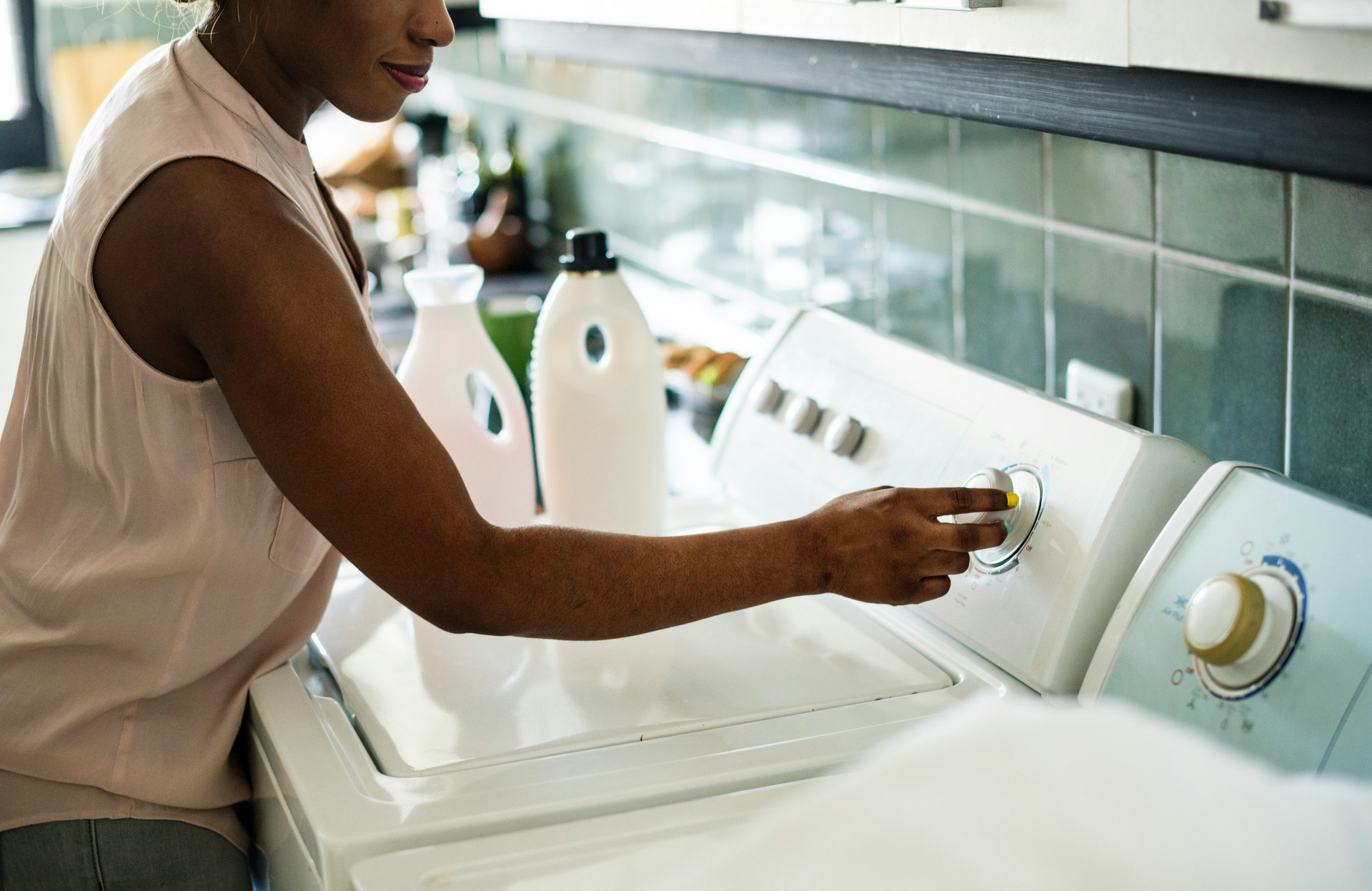
The control panel is your main point of interaction with the washer. Here’s what to look for when comparing models:
- Layout and logic: Are the buttons and dials arranged in a way that makes sense? Can you easily find where to select the cycle, temperature, and spin speed?
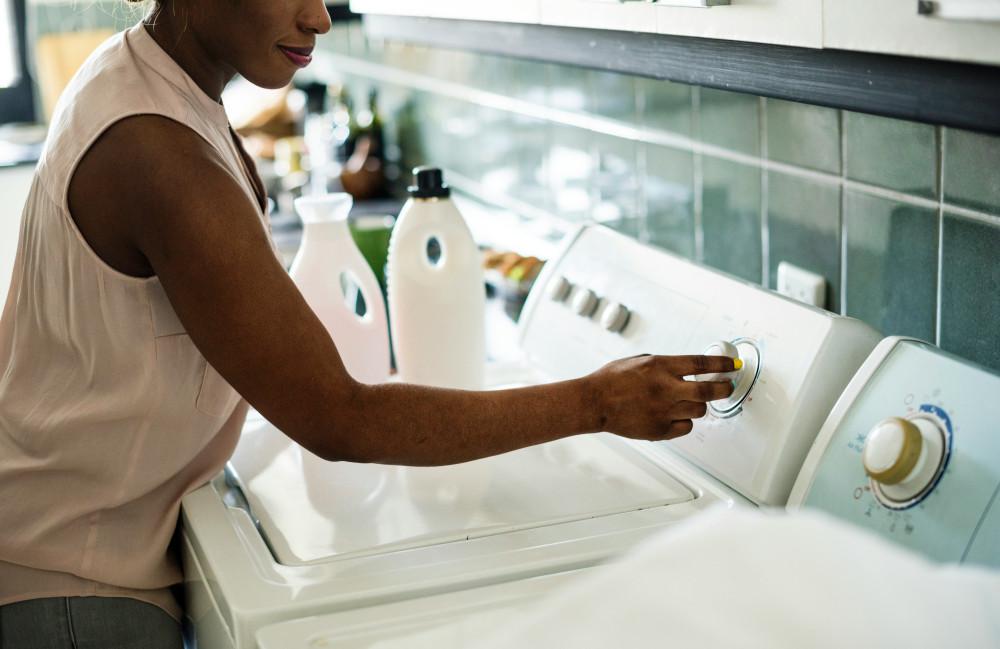
- Physical buttons or touch controls: Some people prefer traditional knobs and buttons because they’re easier to use with wet hands. Others like sleek touch panels for their modern look and easy cleaning.
- Feedback and response: Do the controls respond clearly when pressed? A click sound or light indicator can confirm that your selection has been registered.
- Language and symbols: Are the labels in plain English, and are the icons easy to interpret? Overly technical or unclear symbols can make operation frustrating.
If possible, try the controls in person at a store. You’ll quickly get a sense of whether the interface feels intuitive to you.
The Display – Information at a Glance
The display shows what the machine is doing and how much time is left in the cycle. A clear, well-designed display can make laundry day much smoother.
- Readability: Is the screen easy to read in both bright and dim lighting?
- Size and contrast: A larger display with high-contrast text and symbols is helpful, especially if your washer is in a basement or laundry room with limited light.
- Information provided: Does the display show key details like cycle time, temperature, spin speed, and remaining time?
- Color and lighting: Some washers feature color screens, while others use simple LED indicators. The most important thing is that the information is clear and not cluttered.
A good display keeps you informed without overwhelming you. It should also alert you to issues like unbalanced loads or maintenance needs.
How Panel and Display Work Together
The best user experience comes when the control panel and display complement each other. When you select a cycle, the display should immediately show which settings are active and how you can adjust them. This coordination helps you stay in control and avoid mistakes.
Even washers with smart features—like automatic detergent dosing or app connectivity—should maintain straightforward physical controls. Technology should enhance usability, not complicate it.
Læs også:
Testing and Comparing – A Practical Checklist
When comparing washing machines, use this checklist to evaluate user-friendliness:
- Try the controls: Can you start a basic cycle without reading the manual?
- Check the display: Is the information clear, relevant, and easy to read?
- Assess build quality: Do the buttons and knobs feel sturdy or flimsy?
- Read user reviews: Many buyers comment on ease of use—both positive and negative experiences can be revealing.
- Match your needs: If you mostly use a few standard cycles, a simple interface may be best. If you like customizing settings, a more advanced display could be worth it.
The Future of Washer Controls – From Buttons to Apps
Many new washers now connect to smartphone apps, allowing you to start, pause, or monitor cycles remotely. While this adds convenience, the physical controls should still be intuitive—because sometimes your phone isn’t nearby or the Wi-Fi is down.
The trend is moving toward more personalized machines that learn your habits and highlight your most-used settings. Done right, this can make laundry even easier and more efficient.
Conclusion: Choose with Your Eyes—and Your Hands
When choosing a washing machine, don’t just compare specs and prices. The usability of the control panel and display will have a big impact on your satisfaction over time. A washer that’s easy to understand and operate makes everyday chores smoother—and ensures you get the most out of your investment.
Læs også: