Suspect a Virus at Home? How to Protect Your Devices

Suspect a Virus at Home? How to Protect Your Devices
A sluggish laptop, strange pop-ups, or a phone that suddenly burns through data — these could be signs that one of your devices has been infected with a virus or other malicious software. In an age where everything from TVs to thermostats connects to the internet, one compromised device can put your entire home network at risk. Here’s how to spot the warning signs early and keep your digital life secure.
Early Signs Something’s Wrong
Most viruses and malware try to stay hidden, but there are often small clues you can watch for:
- Slow performance – your computer or phone lags, even with simple tasks.
- Unexpected ads or pop-ups – especially if they appear when you’re not browsing.
- Unknown programs or icons – new apps or shortcuts you didn’t install.
- Overheating or loud fans – your device may be running unwanted background processes.
- Changed homepage or search engine – a classic sign your browser’s been hijacked.
If you notice several of these symptoms, it’s time to act quickly.
Scan and Remove Threats
Your first step should be a thorough scan with a trusted antivirus program. Both Windows and macOS include built-in protection, but you can also use reputable third-party software.
- Update your antivirus software so it has the latest virus definitions.
- Run a full system scan — not just a quick one. It takes longer but finds more threats.
- Follow the program’s recommendations to remove or quarantine infected files.
- Restart your device and consider running another scan to confirm it’s clean.
If the problem persists, you may need to restore your system to an earlier point or, in severe cases, reset the device completely.
Keep Systems and Apps Updated
Many viruses exploit known security flaws in outdated software. Keeping everything up to date is one of the simplest and most effective defenses.
- Turn on automatic updates for your operating system, apps, and router.
- Make sure browser extensions and plug-ins are current.
- Uninstall software you no longer use — unsupported apps can become security risks.
An updated system is much harder for hackers to exploit.
Secure Your Home Network
A safe home network is the foundation of digital security. Your router, often overlooked, can be a weak point if not properly configured.
- Change the default password on your router — use a strong, unique one.
- Update the router’s firmware to patch security vulnerabilities.
- Set up a guest Wi-Fi network for visitors so they can’t access your main devices.
- Disable remote management unless you truly need it.
You can also enable a firewall to filter unwanted traffic and block outside attacks.
Be Cautious with Emails and Downloads
Many infections start with a single careless click. Phishing emails and fake downloads remain among the most common ways malware spreads.
- Never open attachments from unknown senders.
- Check the sender’s email address — small spelling errors can reveal a fake.
- Download software only from official sources like the App Store, Google Play, or the manufacturer’s website.
- Be skeptical of messages promising prizes, discounts, or quick money.
A moment of caution can save you hours of cleanup later.
Protect All Your Smart Devices
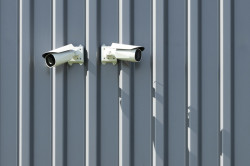
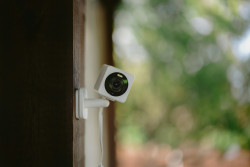
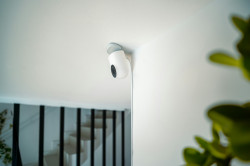
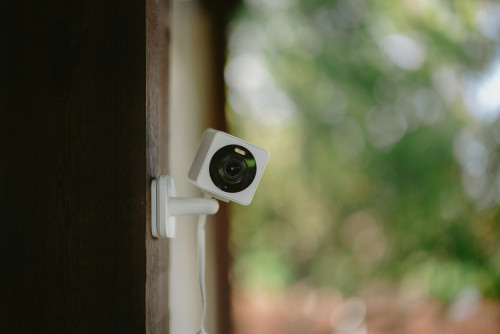
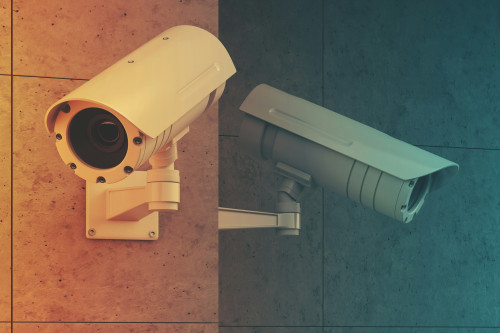
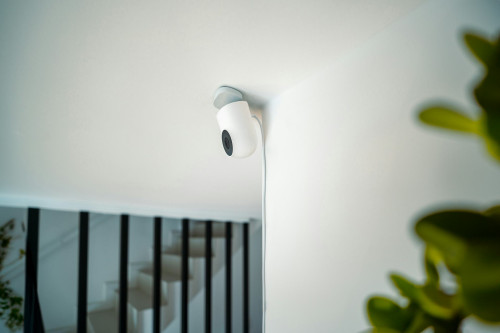
It’s not just computers that can get infected. Smart TVs, security cameras, gaming consoles, and even smart speakers can be vulnerable if connected to the internet.
- Change default passwords on all smart devices.
- Turn off remote access if you don’t use it.
- Regularly update firmware — many manufacturers release security patches.
- Consider separating smart devices from your main computer and phone on a different network.
The fewer connections between devices, the lower the risk of a virus spreading through your home.
Læs også:

Make Security a Habit
Cybersecurity isn’t just about tools — it’s about habits. Build a routine that includes:
- Checking for updates weekly.
- Changing passwords regularly.
- Backing up important files — both to the cloud and an external drive.
- Talking with family members about safe online behavior.
When everyone in your household knows how to spot and avoid threats, it becomes much harder for malware to take hold.
A Safer Digital Home
Suspecting a virus doesn’t have to cause panic. With the right tools and a bit of vigilance, you can quickly regain control and prevent future problems. Think of digital security as part of everyday home maintenance — like locking the doors or turning off the lights when you leave. It keeps your data, your devices, and your family safe.
Læs også: